How to Create a Professional Email for Job Applications
Quick Answer
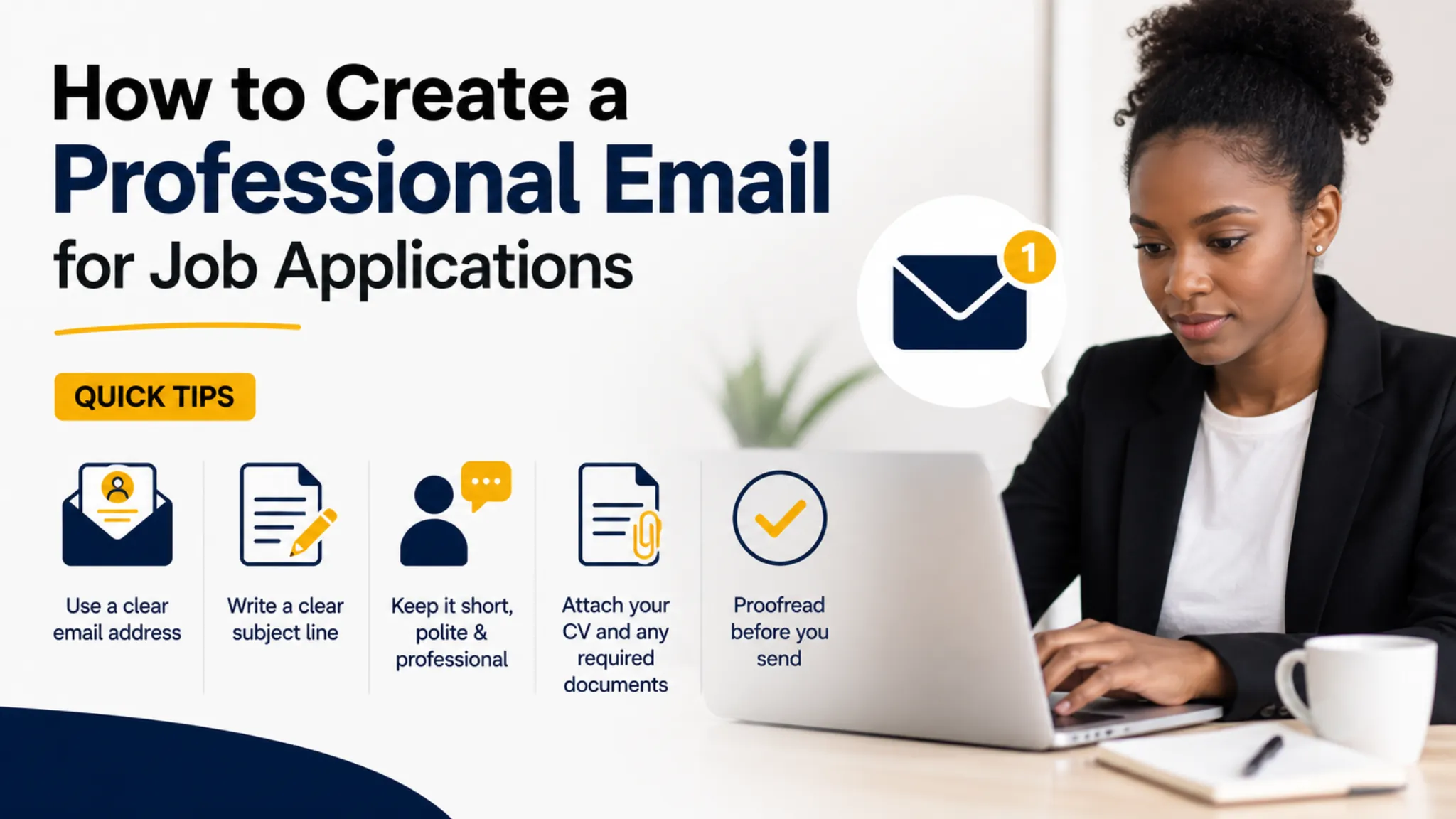
Learning how to create a professional email for job applications can improve the way employers view your CV before they even open it. A good email address should use your real name, look simple, avoid nicknames, and be easy for recruiters to recognise. You should also use a clear subject line, a polite message, and attach your CV properly when applying through platforms like JobTree.
Table of Contents
- Why Your Email Address Matters
- How to Create the Right Email Address
- How to Write a Professional Job Application Email
- How to Send Your CV the Right Way
- Common Email Mistakes to Avoid
- Final Advice for Job Seekers
- Frequently Asked Questions
Why Your Email Address Matters
Many job seekers focus only on their CV and forget that their email address is often the first detail an employer sees. When a recruiter receives your application, your email name, subject line, and message all create an early impression. This is why learning how to create a professional email for job applications is an important step in your job search.
A professional email address helps employers take your application more seriously because it shows that you are organised and prepared. If your email address includes jokes, nicknames, slang, random numbers, or confusing words, it can make your application look less professional. Even before your CV is opened, a poor email address can weaken the impression you make.
Employers often receive many applications for one position, so small details can make a difference. A clean email address using your name makes it easier for recruiters to identify you, search for your message, and contact you later. This matters especially when several applicants have similar names or apply for the same role.
Creating a professional email for job applications also helps you keep your job search separate from personal messages. When your application emails are mixed with shopping updates, social media alerts, and personal conversations, it becomes easy to miss important replies. A separate email account gives you a cleaner inbox and helps you respond faster.
Your email address should support your job search, not create doubt about your professionalism. A recruiter should be able to look at it and immediately understand who the application comes from. This simple change can make your job search feel more organised and serious.
How to Create the Right Email Address
The best email address for job applications usually includes your first name and surname in a simple format. Examples include firstname.surname, firstnamesurname, or firstname.surname followed by a small number if the name is already taken. The goal is to create something clean, readable, and professional.
When choosing an email address, avoid words that sound childish, aggressive, romantic, funny, or unrelated to work. You should also avoid using school nicknames, gaming names, social media handles, or phrases that may confuse employers. A professional email for job applications should make you look reliable and ready for the workplace.
If your exact name is not available, add a simple number, initial, or location without making the address too long. For example, you can use a middle initial or a short variation of your surname if needed. Keep it easy to type because recruiters may need to copy it into systems or reply from different devices.
You can create a free email account using Gmail, Outlook, or another trusted email provider. These platforms are widely recognised and easy to use for sending CVs and receiving replies. Choose one that you can access easily from your phone and computer.
Once your email is created, add your real name to the account profile so that it displays correctly when you send messages. This means the employer should see your name rather than only the email address. A proper display name makes your application look more polished and professional.
How to Write a Professional Job Application Email
Knowing how to create a professional email for job applications is not only about the address itself. You also need to understand how to write the actual message when sending your CV. A clear and polite email can help the employer understand who you are and what you are applying for.
Your subject line should be simple, direct, and related to the position. A good subject line can include the job title and your name, such as Application for Admin Assistant – Thando Mkhize. This helps the recruiter quickly identify the purpose of your email.
The opening of your email should greet the employer politely and state why you are writing. You do not need a long introduction, but you should mention the role you are applying for and where you saw the vacancy if possible. This makes your message clear from the first sentence.
The body of the email should briefly explain that your CV is attached and that you are interested in the opportunity. You can mention one or two relevant strengths, such as your experience, skills, or willingness to learn. Keep the message professional and avoid writing a full cover letter unless the employer asks for one.
Understanding how to email your CV for a job can help you avoid sounding too casual or unclear. End your email with a polite closing, your full name, and your contact number. This gives the employer another easy way to reach you if they want to arrange an interview.
How to Send Your CV the Right Way
Sending your CV correctly is just as important as creating a strong email address. Your CV should be attached in a common format such as PDF unless the employer asks for a different file type. A PDF helps preserve your formatting and makes your document easier to open on most devices.
Your CV file name should also look professional because employers can see it when they download the attachment. Instead of using names like mycvfinalnew2 or document123, use a clear file name such as Thando-Mkhize-CV. This small detail makes your application easier to store and identify.
Before sending your application, check that the CV is actually attached. Many job seekers write a good email but forget to include the attachment, which can delay or damage the application. Always open the attachment first to confirm that the correct document is included.
When learning how to email your CV for a job, remember that your email should be easy to read on a phone. Many recruiters check applications on mobile devices, so avoid long blocks of text and unnecessary information. A short, clear message with the right attachment is usually more effective.
You should also avoid sending one email to many employers at the same time unless you know how to protect recipient privacy. Sending mass emails with many visible addresses can look careless and unprofessional. It is better to send separate, targeted applications for each role.
Common Email Mistakes to Avoid
One major mistake is using an email address that does not match your real name or looks unserious. Employers may not reject someone only because of an email address, but it can create a weak first impression. A clean address removes unnecessary doubt from the application process.
Another mistake is writing an email with no subject line or a vague subject such as job, CV, or application. Recruiters receive many messages, and unclear subject lines make it harder for them to manage applications. A proper subject line helps your email look organised and relevant.
Some job seekers write messages that are too casual, using slang, abbreviations, or one-line comments. A message like “Hi, see attached” may feel quick, but it does not show much effort. A respectful greeting, clear purpose, and polite closing make a stronger impression.
Spelling and grammar mistakes can also make your email look rushed. You do not need perfect writing, but you should read your message before sending it. Checking your email carefully can help you avoid mistakes in the employer’s name, job title, or your own contact details.
Another common mistake is replying late because job application emails are mixed with personal notifications. If you create a professional email for job applications, check it daily while you are actively searching. Quick replies can help you avoid missing interview invitations or important instructions.
Build a Stronger First Impression
How to Create a Professional Email for Job Applications is a simple topic, but it can have a real impact on your job search. Employers want to deal with candidates who are clear, organised, and easy to contact. Your email address and message can help show those qualities from the beginning.
A professional email account gives your job search structure and helps you keep important messages in one place. It also makes it easier to track applications, follow up, and respond to recruiters. This can reduce confusion and help you stay focused.
Your email should work together with your CV, not against it. A strong CV can be weakened by a confusing email address, poor subject line, or careless message. When every part of your application looks professional, your chances improve.
You do not need expensive tools to create a better email presence. A free account with your real name, a clean inbox, and a simple application template can make a big difference. The key is to use it consistently and professionally.
Before applying for your next opportunity, take a few minutes to review your email address, display name, CV file name, and message format. These details may seem small, but they help employers view you as a serious applicant. A professional first impression can move your application in the right direction.
Frequently Asked Questions
What is the best email address for job applications?
The best email address for job applications is usually based on your real first name and surname. It should be simple, professional, and easy for employers to recognise. Avoid nicknames, slang, jokes, and random words that may make your application look less serious.
Should I create a separate email for job applications?
Yes, creating a separate email for job applications can make your job search more organised. It helps you keep employer replies, interview invitations, and application records away from personal messages. This also reduces the chance of missing important communication.
What should I write when sending my CV by email?
You should include a polite greeting, the job title you are applying for, a short sentence explaining that your CV is attached, and a professional closing. You can also briefly mention your interest in the role and one relevant strength. Keep the email clear, respectful, and easy to read.
What file format should I use when emailing my CV?
A PDF is usually the best format for emailing your CV because it keeps the layout stable across devices. You should only use another format if the employer specifically asks for it. Make sure the file name includes your name and the word CV so it looks professional.
Browse more job search guidance on JobTree.
Read more here: Can You Really Get a Job Through Facebook?.