How to Use Google to Find Jobs in South Africa
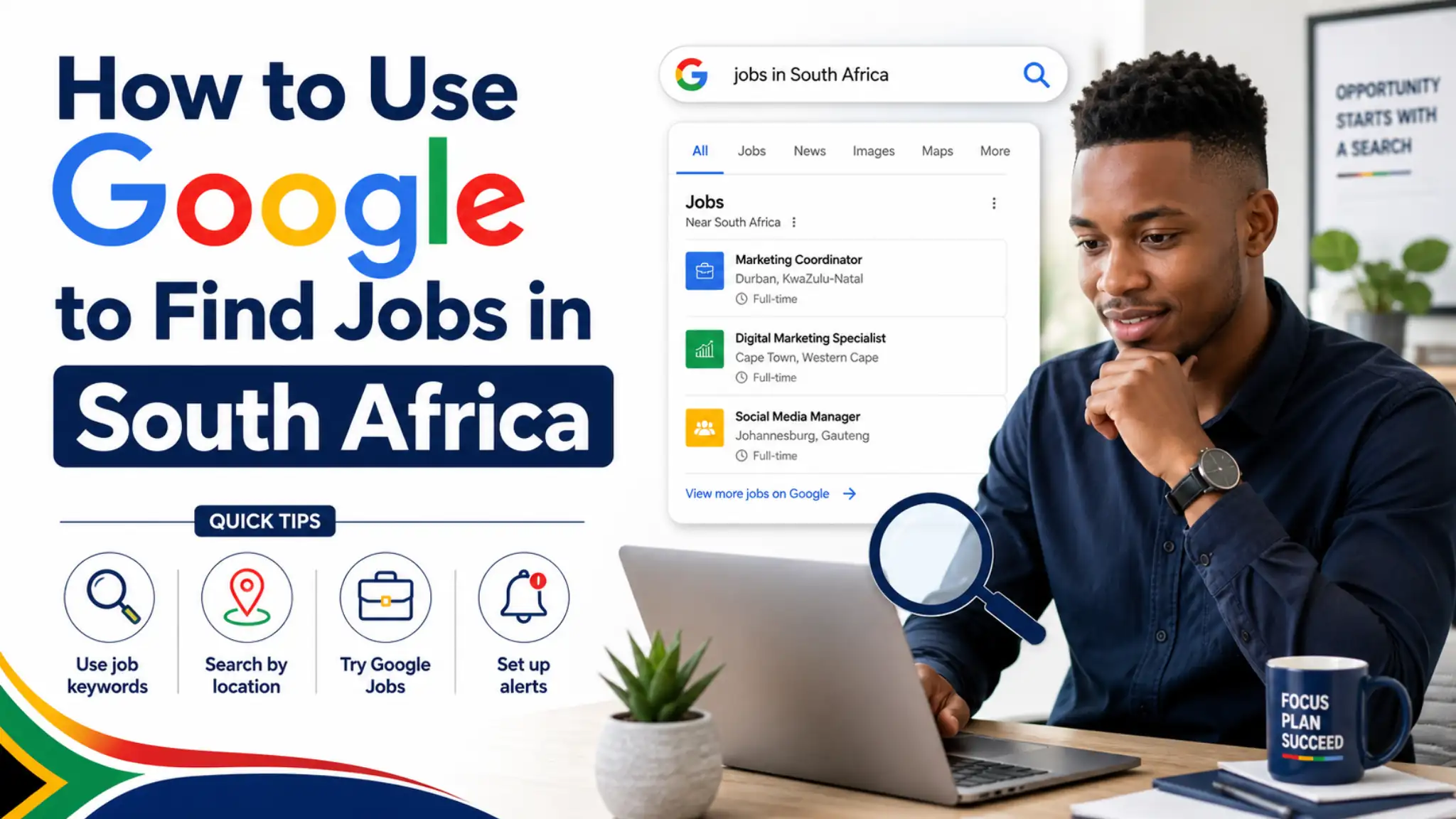
Quick Answer
Learning how to use Google to find jobs in South Africa can help you discover vacancies faster, compare opportunities, and reach company career pages directly. Google can show job listings, official employer websites, recruitment pages, government vacancies, and local opportunities near you. The best approach is to use clear search phrases, location-based searches, trusted websites, and safe application habits while also checking reliable platforms like JobTree.
Table of Contents
- Why Google Is Useful for Job Searching
- Best Google Search Phrases to Use
- How to Find Company Career Pages
- How to Search for Jobs Near You
- How to Avoid Fake Job Listings
- Smart Final Advice for Job Seekers
- Frequently Asked Questions
Why Google Is Useful for Job Searching
Many job seekers start their search on social media or job boards, but Google can also be one of the most powerful tools available. When you know how to use Google to find jobs in South Africa, you can search across many websites at once instead of checking one platform only. This helps you find vacancies from companies, recruiters, government departments, universities, and job websites more efficiently.
Google is useful because it can show job opportunities from different sources in one search result page. You may see job boards, company websites, career pages, news posts, PDFs, and official notices depending on your search. This makes it easier to compare options and avoid relying on only one source.
The seed keyword Google job search South Africa is important because many people want a faster way to find local opportunities online. Google can help you search by job title, city, province, company, industry, or employment type. The more specific your search is, the better your results usually become.
Google can also help you find opportunities that are not always easy to locate on popular job platforms. Some companies publish vacancies only on their own websites, while others post notices on government or university pages. A smart Google search can lead you directly to those pages before many other applicants find them.
Another benefit is that Google helps you research employers before you apply. You can check whether a company has a real website, physical presence, contact details, reviews, and previous job posts. This makes your job search safer and more informed from the beginning.
Best Google Search Phrases to Use
The way you type your search phrase has a major effect on the results you receive. Instead of searching only for “jobs,” use a complete phrase that includes the job title and location. For example, searching for “admin jobs Durban” is usually better than searching for a broad phrase that returns unrelated results.
You can also search using words like vacancies, careers, hiring, recruitment, learnerships, internships, graduate programme, or entry level. Different companies use different words when advertising opportunities, so changing your search phrase can reveal more results. This is useful when one search does not show enough relevant listings.
A strong search phrase can include the job title, location, and type of employer. For example, you might search “retail cashier vacancies Johannesburg,” “security jobs Pretoria,” or “call centre jobs Cape Town.” This tells Google exactly what you want and helps remove results that are too broad.
You can also use quotation marks when you want Google to search for an exact phrase. For example, typing “admin assistant vacancies Durban” can help Google focus on that phrase more closely. This is useful when you want fewer unrelated results and more direct matches.
Another useful method is to search specific website types by adding terms like site:gov.za, site:ac.za, or site:co.za. A search like “site:gov.za vacancies clerk” can help you find government-related vacancy pages. This method can be powerful because it narrows your search to websites that match the type of opportunity you want.
How to Find Company Career Pages
One of the best ways to use Google is to search directly for company career pages. Many employers post jobs on their own websites before or instead of using large job boards. Searching the company name with words like careers, vacancies, or jobs can take you straight to the official page.
For example, you can search a company name followed by “careers South Africa” or “vacancies South Africa.” This can help you find the correct recruitment page instead of random posts shared elsewhere. Applying through official company pages is often safer and more reliable.
When you land on a company career page, read the details carefully before applying. Check the job title, location, closing date, requirements, responsibilities, and application instructions. Official pages usually provide clearer information than copied posts on social media.
Finding company pages also helps you learn more about the employer before submitting your CV. You can read about the company, its services, its branches, and the type of people it hires. This information can help you tailor your CV and prepare better for interviews.
Company career pages can also show opportunities that are not widely advertised elsewhere. Some employers prefer candidates who apply directly because the application goes into their own recruitment system. This means Google can help you move closer to the original source of the vacancy.
How to Search for Jobs Near You
The seed keyword how to find jobs near me on Google is useful because many job seekers want opportunities close to home. Searching by location can save time, transport costs, and effort. It also helps you focus on roles that are realistic for your daily routine.
You can search phrases like “jobs near me,” “retail jobs near me,” “admin jobs near me,” or “part time jobs near me.” Google may use your location to show nearby results, especially if location services are enabled on your device. You can also add your city or area manually for more accurate results.
If you live in a large city, it helps to include the suburb or nearby area in your search. For example, instead of searching only “jobs Durban,” you can search “receptionist jobs Umhlanga” or “warehouse jobs Pinetown.” This makes the results more focused and easier to review.
Location-based searching is helpful because many employers want candidates who can travel easily to work. If the role requires shifts, early starts, or late finishes, being nearby may improve your chances. This is especially important for retail, hospitality, security, cleaning, admin, and entry-level roles.
You should still check the full job post because some results may show the wrong location or include remote keywords incorrectly. Always confirm the address, branch, province, and whether the role is remote, hybrid, or on-site. This prevents wasted applications and helps you apply only to suitable opportunities.
How to Avoid Fake Job Listings
Google can help you find many opportunities, but it can also show results from websites that are not always reliable. This means you must check each listing carefully before sending your personal information. A good job search is not only about finding vacancies but also about staying safe.
Be careful with job posts that promise very high salaries for very little work. If a vacancy sounds too good to be true, you should investigate further before applying. Real employers usually provide clear duties, requirements, location details, and application steps.
You should also avoid listings that ask for payment before you can apply. A real employer should not ask you to pay application fees, registration fees, training fees, medical fees, or placement fees before offering a legitimate job. Requests for upfront money are a major warning sign.
Before applying, search the company name separately to confirm that it exists. Look for an official website, contact details, address, social media pages, and reviews. If the details do not match or the company cannot be found, be cautious.
Another safety step is to apply through official websites whenever possible. If Google shows a job post from a third-party site, check whether the same job appears on the company’s own career page. This helps you avoid copied, outdated, or fake listings.
Use Google Smarter, Not Harder
How to Use Google to Find Jobs in South Africa is not just about typing random job titles into a search bar. It is about knowing which phrases to use, how to search by location, and how to find trusted sources. A smarter search strategy can help you discover better opportunities in less time.
Google works best when you combine broad searches with specific searches. You can start with a general search, then narrow it by city, industry, company, job title, or website type. This helps you move from many results to the most useful ones.
You should also keep a simple record of the jobs you find through Google. Write down the job title, company name, website, closing date, and whether you applied. This helps you stay organised and prevents duplicate applications.
Using Google together with trusted platforms gives you a stronger job search system. You can discover opportunities through search, confirm details on official websites, and browse reliable job content through platforms like JobTree. This wider approach gives you more control over your search.
The most important thing is to apply carefully and consistently. Google can help you find the opportunities, but your CV, email, timing, and professionalism will help you compete for them. When you use the right search methods and protect yourself from scams, your online job search becomes stronger.
Frequently Asked Questions
Can I really use Google to find jobs in South Africa?
Yes, you can use Google to find jobs in South Africa by searching for job titles, locations, company career pages, and official vacancy notices. Google can show results from job boards, employer websites, government pages, and recruitment platforms. The key is to use specific search phrases and verify each opportunity before applying.
What should I type into Google when looking for jobs?
You should type the job title, location, and words like vacancies, careers, hiring, learnerships, or internships. Examples include “admin jobs Durban,” “retail vacancies Johannesburg,” or “site:gov.za clerk vacancies.” Clear searches usually produce better results than broad searches like “jobs.”
How do I find jobs near me on Google?
You can search phrases like “jobs near me,” “admin jobs near me,” or “retail jobs near me” and allow Google to use your location. You can also add your city, suburb, or province manually to improve accuracy. Always check the full job post to confirm the actual work location before applying.
How do I avoid fake jobs when searching on Google?
You can avoid fake jobs by checking the company name, official website, contact details, salary claims, and application instructions. Avoid posts that ask for money, request sensitive documents too early, or promise unrealistic earnings. When possible, apply through the company’s official career page or a trusted job platform.
Browse more job search advice on JobTree.
Read this related guide: How to Create a Professional Email for Job Applications.